Best streaming device for TV: top hardware for every task
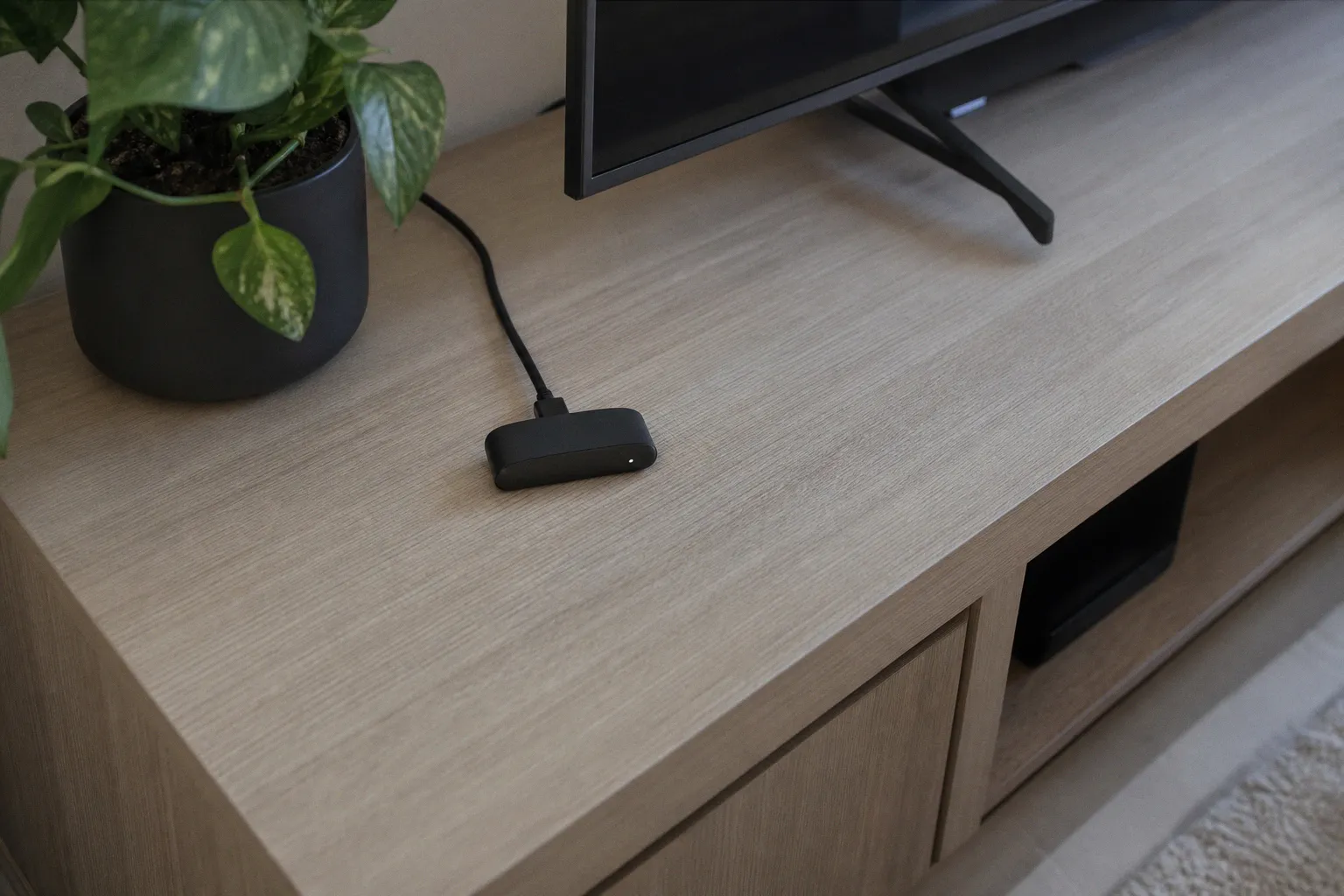
That bottleneck is usually obvious once you stop reading marketing copy. Maybe your TV’s built-in apps take three seconds to acknowledge a remote click. Maybe a crowded Wi‑Fi network turns a 4K movie into a buffering test. Maybe you bought a Dolby Vision TV, then connected a cheap stick that cannot output Dolby Vision at all. Or maybe you just need Netflix, YouTube, and live TV in a bedroom and do not need a $150 box pretending to be a home-theater computer.
I separate streaming hardware into four jobs: simple budget streaming, a wired living-room setup, an Apple-centered home, and a Google/Amazon smart-home setup. Pick the job first. The hardware decision gets much cheaper after that.
The short version: buy for the bottleneck, not the brand
Here is the practical 4K streaming player comparison before we get into the ports, codecs, and ecosystem lock-in.
| Device | Best for | Hardware advantage | The catch |
|---|---|---|---|
| Apple TV 4K | Apple households and premium home theaters | HDMI 2.1, Wi‑Fi 6, Dolby Vision, HDR10+, strong storage options | Gigabit Ethernet and Thread require the 128GB model |
| Roku Ultra | Wired Roku users and local media playback | Wi‑Fi 6, Ethernet, USB 3.0, Dolby Vision, rechargeable backlit remote | Ethernet is only 10/100 Mbps; Roku’s interface is increasingly content-led |
| Google TV Streamer | Google Home and Matter users | 32GB storage, Gigabit Ethernet, Thread border router, USB-C | It is a separate box, not a hidden HDMI stick |
| Fire TV Stick 4K Max | Wi‑Fi 6E households that want a compact stick | Tri-band Wi‑Fi 6E, 16GB storage, AV1 decoding, Dolby Vision | No built-in Ethernet; Amazon’s UI pushes Amazon hard |
| Roku Streaming Stick Plus | Straightforward low-power 4K streaming | Compact, dual-band Wi‑Fi, HDR10+, around 2.5W during 4K playback | No Ethernet, no USB, no Dolby Vision |
My blunt verdict: buy the Apple TV 4K if you already live in Apple’s ecosystem and want the least compromised premium box. Buy the Roku Ultra if a wired connection, USB playback, and Roku’s simple app-first logic matter more than smart-home features. Buy the Google TV Streamer if Google Home and Matter are part of the plan. Buy the Fire TV Stick 4K Max only if Wi‑Fi 6E or Amazon’s software stack is a real advantage in your home. Buy the Roku Streaming Stick Plus when the target is a basic 4K screen and the budget needs to stay disciplined.
A streaming box cannot repair a bad TV panel, a weak HDMI path, or a 7 Mbps internet connection. It can only stop being the weakest link.
Apple TV 4K vs. Google TV Streamer: premium hardware, different loyalties
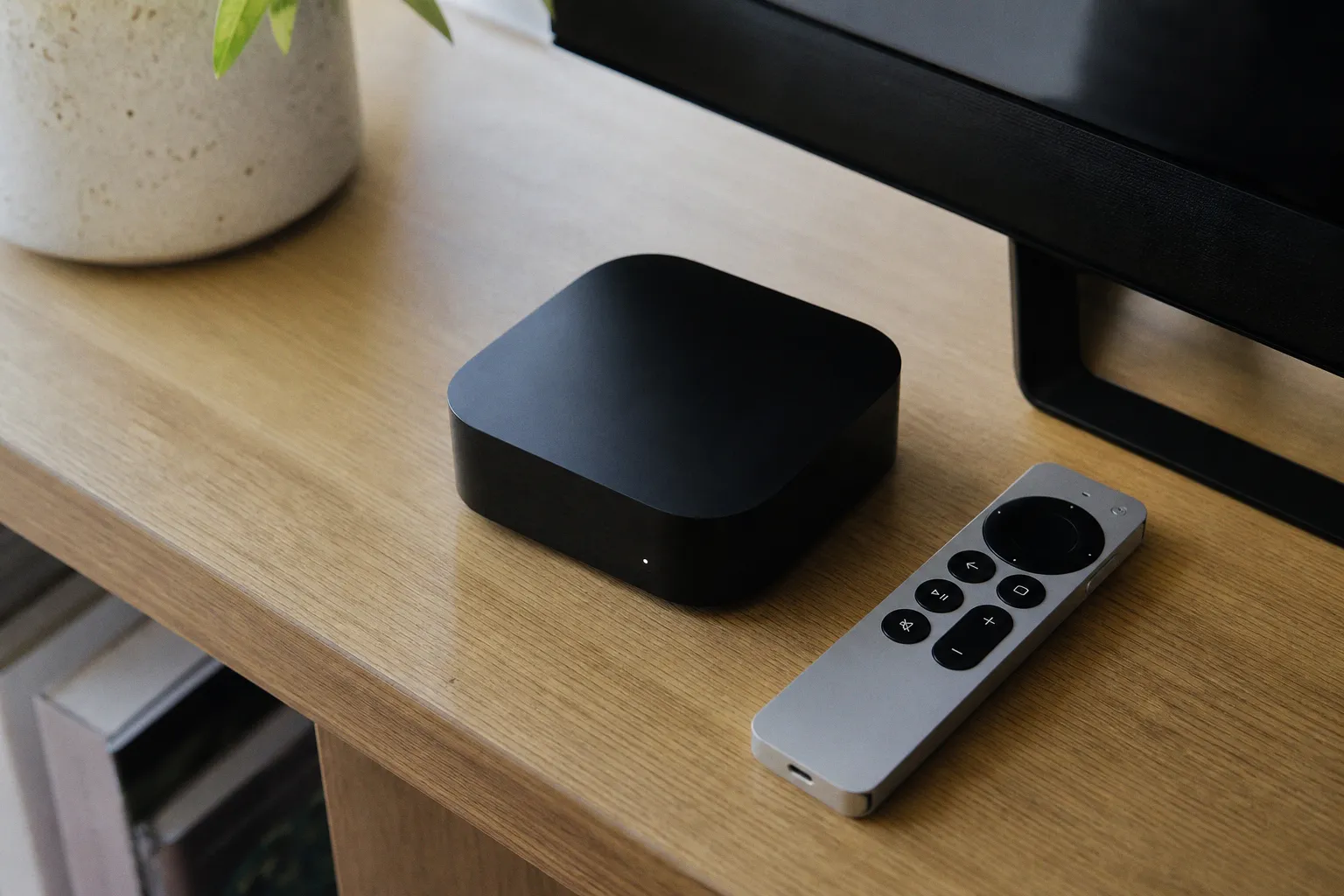
Apple TV 4K and Google TV Streamer are both proper streaming boxes. That matters. They have more room for ports, storage, cooling, and networking than an HDMI stick dangling behind a television. But they solve different problems.
Apple’s current Apple TV 4K comes in two configurations: 64GB with Wi‑Fi, or 128GB with Wi‑Fi and Gigabit Ethernet. Both include Wi‑Fi 6 and HDMI 2.1. Both support Dolby Vision, HDR10+, HDR10, and HLG at up to 2160p/60. Apple also lists Quick Media Switching and support for 21:9 and other cinematic aspect ratios on compatible TVs and projectors.
The 128GB model is the one I would buy for a main TV. Not because most people need 128GB for streaming apps. They do not. The extra storage is nice, but the Ethernet port and Thread networking are the actual upgrade. If your router is close enough to run a cable, wired networking eliminates one variable from the streaming chain. That is worth more than another year of chasing “better Wi‑Fi” through product pages.
Google TV Streamer is built around a more open Google Home strategy. It has 4GB of memory, 32GB of storage, HDMI 2.1, USB-C power, and Gigabit Ethernet. It supports 4K HDR at 60 fps with Dolby Vision, HDR10, HDR10+, and HLG, plus Dolby audio formats including Dolby Digital, Dolby Digital Plus, and Dolby Atmos.
Its 32GB of storage deserves more attention than it gets. Streaming hardware does not need laptop-class storage, but cramped storage becomes a nuisance once you install multiple services, live-TV apps, utilities, and a few abandoned trials you forgot to cancel. Google TV Streamer gives you more breathing room than a typical stick without asking you to build a mini-PC behind the television.
The deeper split is smart home control:
- Apple TV 4K 128GB fits homes already using Apple devices and Thread-capable accessories. The system feels most coherent when an iPhone, Home app, AirPlay, and Apple services are already part of daily use.
- Google TV Streamer makes more sense for Google Home households. It supports Matter and works as a Thread border router, meaning it can act as infrastructure for compatible smart-home accessories rather than merely displaying streaming apps.
- Neither box is “better” in a vacuum. Buying Apple hardware to run a Google-first smart home, or buying Google hardware in an Apple-centered household, is how people create ecosystem friction and then blame the remote.
For a smart TV box for gaming, neither should be purchased on the assumption that it replaces a console. They are media devices. Apple TV 4K has HDMI 2.1 and a stronger case for people invested in Apple’s app and controller environment, but a streaming player does not magically deliver console-grade games, 4K/120 gaming, or the low-latency behavior of a PlayStation, Xbox, or gaming PC. The display, game service, controller connection, and network still determine the experience.
Google TV Streamer has a better argument for a household that wants one screen attached to Google Home, Matter accessories, and a wired network. That is a real use case. It is not a reason to pay more just to watch one streaming service.
Roku’s two-device strategy: inexpensive stick or full living-room box
Roku’s lineup makes sense when you understand the gap between the Streaming Stick Plus and Roku Ultra. They are not substitutes with different remotes. One is a compact 4K endpoint. The other is built for a more demanding main-TV setup.
The Roku Streaming Stick Plus, released in 2025, has 1GB of RAM and supports 4K playback at 60 fps with HDR10, HDR10+, and HLG. It uses dual-band Wi‑Fi and draws about 2.5 watts during typical 4K streaming. For a secondary TV, a guest room, or a simple setup where you do not want another box on the media console, that is a sensible specification.
But do not invent features it does not have:
- It does not list Dolby Vision support.
- It has no Ethernet port.
- It has no USB port for local-media playback.
- It depends on Wi‑Fi, so placement behind a wall-mounted TV can matter more than shoppers expect.
This is the best budget streaming stick only if the TV and your expectations match it. If your television does not support Dolby Vision anyway, paying extra for Dolby Vision support solves nothing. If the television is connected over stable 5 GHz Wi‑Fi and mostly runs mainstream apps, a compact Roku is enough. Keep the money.
Roku Ultra, released in 2024, is the model for the main room. It doubles the memory to 2GB, adds Dolby Vision, supports HDR10, HDR10+, and HLG, and still tops out at 4K/60. It also includes Wi‑Fi 6, 10/100 Ethernet, USB 3.0 for local media, and Roku’s rechargeable backlit Voice Remote Pro, second edition.
The Ethernet specification needs a reality check. It is 10/100 Ethernet, not Gigabit. That sounds stingy in 2026 because it is stingy. But for video streaming, 100 Mbps is still far above the approximately 15 Mbps Netflix recommends for UHD/4K playback. A stable 100 Mbps wired link is generally more useful for streaming than a theoretically faster Wi‑Fi connection that has to fight neighboring networks, mesh handoffs, and the metal-and-glass mess behind a TV.
The USB 3.0 port is another reason to choose Ultra over a stick if you play local files. It is not a universal media-server solution, and file compatibility still depends on the content and app. But a physical media port is better than pretending every household keeps everything in cloud apps.
Roku’s software also deserves a warning label. Its Home Screen redesign began rolling out in the United States on May 27, 2026, with a left-side menu, personalized rows, shortcuts, and more than 20 genres and themes. That may be useful. It also means Roku continues to treat the home screen as a discovery and promotion surface, not merely a neutral launcher.
I can tolerate that on a low-cost stick. I am less forgiving when a premium box makes me navigate around recommendations to reach the app I deliberately opened yesterday. Convenience is the product. UI clutter is the tax.
Roku Ultra is the practical Roku. The Streaming Stick Plus is the cheap Roku. Confusing those roles leads to regret.
Fire TV Stick 4K Max: the Wi‑Fi 6E specialist with Amazon baggage
The Fire TV Stick 4K Max, second generation from 2023, is the most technically interesting HDMI-stick option for homes with a capable wireless network. It has 16GB of storage, supports Wi‑Fi 6E across 2.4 GHz, 5 GHz, and 6 GHz bands, and includes hardware AV1 decoding up to 4K at 60 fps. HDR support includes Dolby Vision, HDR10, HDR10+, and HLG. Dolby Atmos is also in the feature set.
That is serious capability for a stick. The 6 GHz band can be useful in crowded apartment buildings or dense suburban Wi‑Fi environments, where the older 2.4 GHz and 5 GHz ranges are full of competing networks. But I would not buy it merely because “Wi‑Fi 6E” appears in bold type.
Wi‑Fi 6E helps only when the rest of the network can use it:
1. You need a Wi‑Fi 6E router or access point. A Wi‑Fi 5 router does not become faster because the streaming stick supports a newer standard.
2. The 6 GHz signal needs a viable path to the TV. Higher-frequency wireless bands can lose strength more quickly through walls and floors.
3. Your internet service still sets the ceiling for streaming. A 6E link cannot turn a low-speed broadband plan into reliable 4K.
4. Your service and subscription tier must actually provide the format. Dolby Vision, Atmos, and 4K labels are not participation trophies handed out by the hardware.
Fire TV Stick 4K Max also has an AV1 hardware decoder. AV1 can improve delivery efficiency for services that use it, but this is not a reason to replace working hardware by itself. The visible result depends on the app, the stream, the TV, and the network. Codec support is one part of the pipeline, not a magic picture-quality button.
The bigger issue is Amazon’s ecosystem lock-in. Fire TV is useful if you already rely heavily on Amazon services, Alexa, and Amazon’s content universe. If you do not, the interface can feel like a storefront with a playback function attached. I do not consider that a small design detail. The home screen is the part of a streaming device you use every day.
Also, Fire TV Stick 4K Max does not include Ethernet. Wired networking requires an external 10/100 Mbps adapter. That may still be a worthwhile add-on if Wi‑Fi is unreliable, but count the adapter, cable, and port availability before calling the stick the cheaper option.
Networking and ports: where streaming devices quietly win or lose
People obsess over 4K logos and ignore the connection feeding the box. That is backward.
For standard 4K streaming, Netflix recommends at least 15 Mbps of steady internet bandwidth. “Steady” is the important word. A speed test showing 300 Mbps once is not proof that your TV corner receives a stable connection at 9 p.m. when everyone in the building is online.
This is how I rank the available network setups:
| Connection type | Who should choose it | What it fixes | What it does not fix |
|---|---|---|---|
| Gigabit Ethernet | Main home theater, local media, busy networks | Wi‑Fi interference and inconsistent wireless reception | Slow internet service, bad app behavior, unsupported formats |
| 10/100 Ethernet | Typical 4K streaming setup | Most Wi‑Fi reliability issues at streaming-level bandwidth | Very high local network transfer needs |
| Wi‑Fi 6E | Homes with a strong 6 GHz network near the TV | Congestion on 2.4 GHz and 5 GHz bands | Weak signal through multiple walls |
| Dual-band Wi‑Fi | Secondary TVs and uncomplicated setups | Basic 4K access at low cost | Congested networks or poor router placement |
Apple TV 4K with Ethernet and Google TV Streamer are the cleanest picks if you can wire the device. Google has the technical edge on port speed with Gigabit Ethernet included. Apple matches that only on the 128GB Wi‑Fi + Ethernet model. Roku Ultra offers wired networking, but it is capped at 100 Mbps. Again: that is plenty for mainstream 4K streaming, even if it looks dated on a spec sheet.
For HDMI, do not waste money on a mystery cable labeled “8K Gaming Ultra Turbo.” Certification is more useful than packaging theater.
A Premium High Speed HDMI cable is tested for 4K at 60 Hz and HDR use cases. That covers the output range of the streaming devices discussed here. If you need higher-bandwidth HDMI 2.1 use cases such as 4K at 120 Hz for a console or PC, use an Ultra High Speed HDMI cable rated for 48 Gbps. But do not assume that an HDMI 2.1 label on one component guarantees every feature across the chain. The TV, AVR or soundbar, cable, player, and content all have to support the specific mode you want.
That detail gets expensive fast. A Dolby Vision-capable Apple TV connected through an older soundbar that cannot pass Dolby Vision may fall back to another format. A 4K player connected to an HDMI input without HDCP 2.2 may not provide 4K streaming at all. Hardware marketing always describes the best possible chain. Your living room has the chain you actually assembled.
4K HDR and Dolby Atmos: the logo pile is not a guarantee
The worst purchase in streaming is the device bought for a format the rest of the system cannot reproduce.
Roku explicitly notes that 4K requires compatible content, a compatible TV, and a compatible HDMI input with HDCP 2.2. The same logic applies to HDR and premium audio. The player can advertise Dolby Vision, but your TV needs Dolby Vision support. The service must offer a Dolby Vision stream for that title. Your subscription tier may need to include 4K. If audio runs through a soundbar or receiver, that component has to accept and pass the format correctly.
Here is the format split that actually matters:
- Apple TV 4K: Dolby Vision, HDR10+, HDR10, and HLG up to 4K/60.
- Roku Ultra: Dolby Vision, HDR10, HDR10+, and HLG up to 4K/60.
- Google TV Streamer: Dolby Vision, HDR10, HDR10+, and HLG up to 4K/60.
- Fire TV Stick 4K Max: Dolby Vision, HDR10, HDR10+, and HLG at up to 4K/60, with Dolby Atmos support.
- Roku Streaming Stick Plus: HDR10, HDR10+, and HLG at up to 4K/60. No listed Dolby Vision support.
This makes the Roku Streaming Stick Plus an easy elimination for a Dolby Vision TV owner who specifically wants to use Dolby Vision. That is not brand snobbery. It is just feature matching.
For Dolby Atmos, be equally skeptical. A player can support Atmos, but the result depends on the app, title, subscription, HDMI connection, TV audio settings, and sound system. Many televisions will pass some audio formats differently depending on whether the soundbar uses HDMI ARC or eARC. If your soundbar only receives basic audio through the TV, a new streaming box will not punch through that limitation.
The fix is not always a new device. Sometimes it is a better HDMI cable. Sometimes it is moving the streamer directly into the soundbar or receiver. Sometimes it is accepting that the built-in TV apps already provide the same video result and spending the money on a better soundbar instead.
Smart-home features are useful only when they reduce remotes
Matter and Thread are now part of the streaming-device conversation because televisions sit in the most visible room in the house. That does not mean every TV needs to become the command center for 40 smart bulbs.
Google TV Streamer is the clearest smart-home pick here. It supports Matter and works as a Thread border router. Its voice remote also has a customizable button and a remote-finder function. Those are small additions, but they address real household friction: finding the remote and getting to a frequently used function without digging through a menu.
Apple TV 4K’s smart-home value depends on the model. The Wi‑Fi + Ethernet version includes Thread networking, while the Wi‑Fi-only version does not. If Thread accessories are part of your setup, do not accidentally buy the cheaper model and then discover you saved money by removing the feature you needed.
Roku and Fire TV can make sense in their own ecosystems, but I would not choose either purely as smart-home infrastructure. Roku Ultra earns its place through streaming basics: wired networking, Dolby Vision, USB playback, and a better remote package. Fire TV Stick 4K Max earns its place through Wi‑Fi 6E, AV1 support, and Amazon/Alexa integration. Those are valid reasons. “It might control something else later” is not.
My buy-or-skip verdict
If I were spending my own money for a primary television, I would start with the Apple TV 4K 128GB Wi‑Fi + Ethernet model. It is the least compromised option for an Apple household, delivers broad HDR support, includes Gigabit Ethernet and Thread, and avoids the physical limitations of a stick. Skip it if you do not use Apple services or you refuse to pay for hardware you will only use as a Netflix launcher.
For a Roku household, Roku Ultra is the correct upgrade. Its wired connection, USB 3.0 port, Dolby Vision support, Wi‑Fi 6, and rechargeable backlit remote justify choosing it over the Streaming Stick Plus for a main room. Skip it if you need Gigabit Ethernet or are tired of a discovery-heavy home screen.
Google TV Streamer is my pick for a Google Home or Matter-based setup. It has the right hardware balance: 32GB storage, 4GB memory, Gigabit Ethernet, Dolby Vision, and Thread border-router capability. Skip it if you want a device hidden entirely behind the TV; this is a box with USB-C power, not a stick.
Fire TV Stick 4K Max is the targeted buy. Get it when you have Wi‑Fi 6E, need a compact device, and are comfortable living in Amazon’s interface. Skip it if you want built-in Ethernet or a neutral launcher that does not keep steering you toward one company’s catalog.
And the Roku Streaming Stick Plus remains the sensible low-cost answer for a secondary television. It plays 4K/60 with HDR10+, uses very little power, and avoids the clutter of another media box. Just do not buy it for a Dolby Vision setup, local USB playback, or a room with weak Wi‑Fi. Cheap hardware is only cheap when it fits the job.
FAQ
Which streaming device is best for an Apple-centered home?
Do I need the 128GB Apple TV 4K model?
Is the Roku Ultra better than the Roku Streaming Stick Plus?
Why should I choose the Google TV Streamer over other devices?
Does the Fire TV Stick 4K Max include an Ethernet port?
What internet speed do I need for 4K streaming?
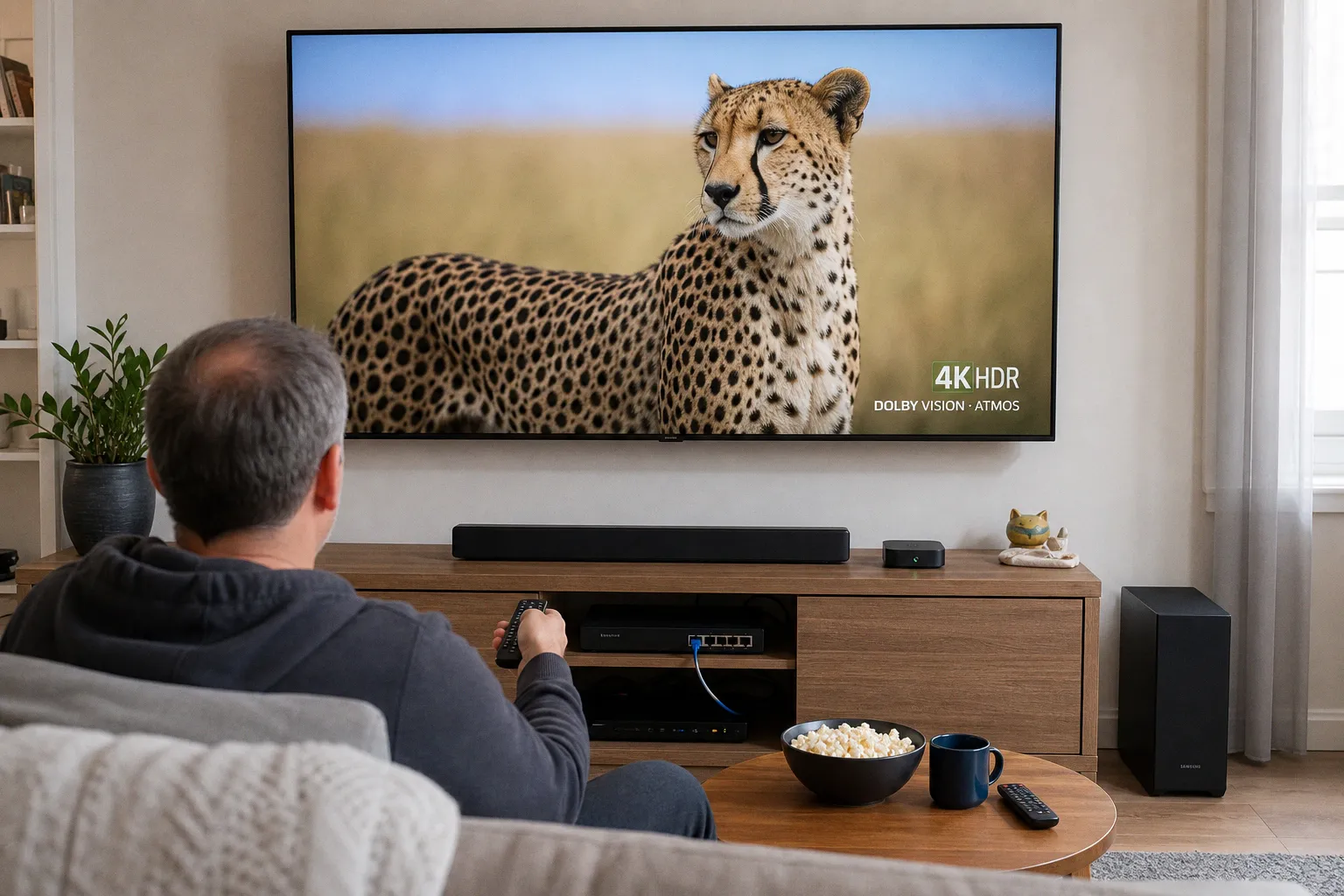 Streaming Devices & Smart TVsSelect a streaming player with Ethernet for 4K HDR
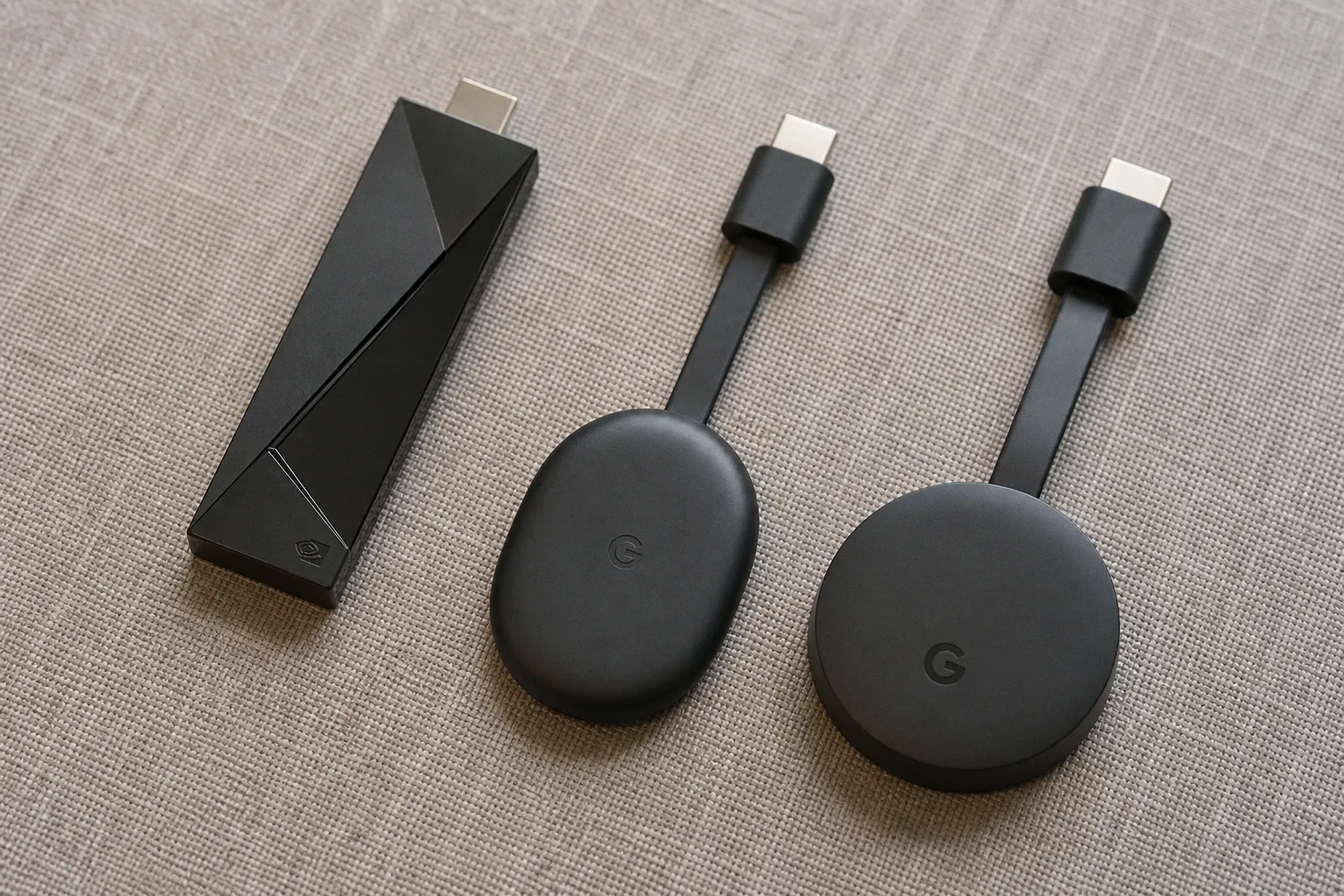 Streaming Devices & Smart TVsGoogle TV streaming device: which model should you buy?
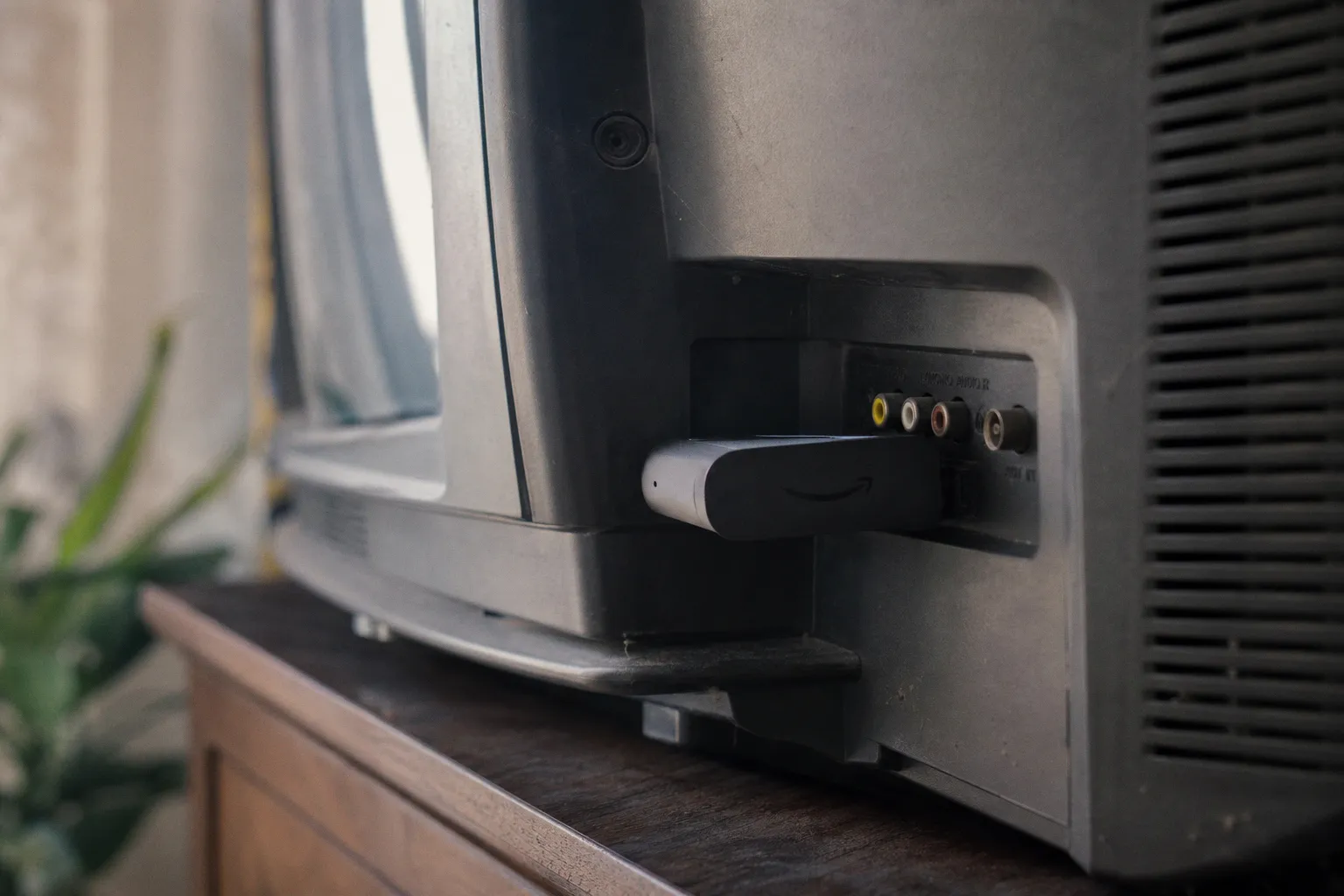 Streaming Devices & Smart TVsPortable streaming devices: are they worth the money?
 Streaming Devices & Smart TVsStreaming device for TV: the best picks by key criteria