Portable streaming devices: are they worth the money?
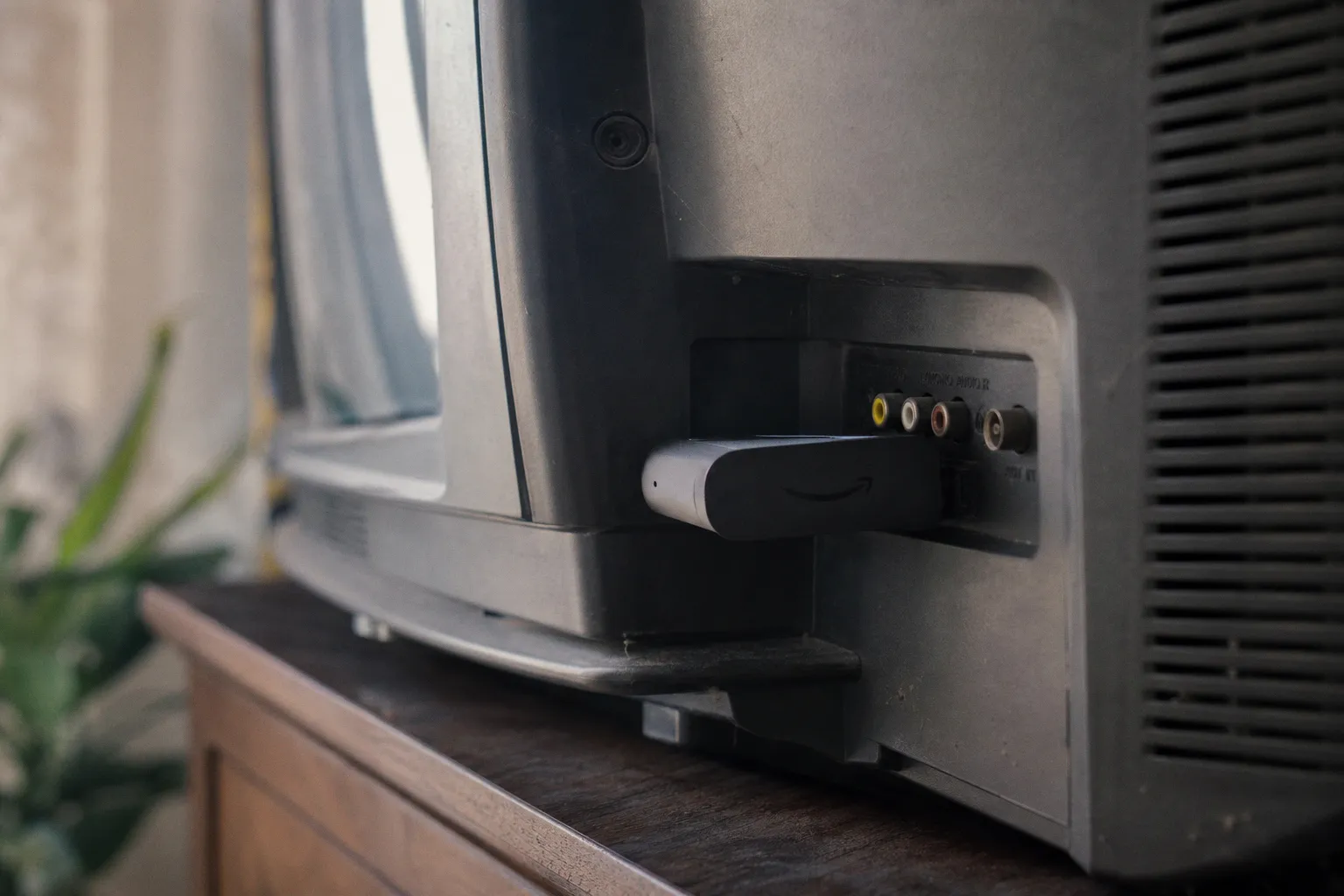
I've been hauling streaming sticks through hotel rooms, in-laws' guest bedrooms, and my own ever-expanding wall of remotes for years. I've also watched the software on my otherwise beautiful mid-range TV turn into a laggy, ad-stuffed slog. A portable streaming device is not a magic fix. It's a Band-Aid on a wound your TV manufacturer keeps ripping open. But when the Band-Aid costs thirty to sixty dollars and genuinely changes how your evening starts, it's worth a serious conversation. Let me break down where the money actually does work, where it's a waste, and which boxes earn their keep.
The performance gap: when your TV's brain needs an upgrade
Here's the thing most smart TV ads leave out: the operating system baked into your television is, in nearly every case, running on hardware that was finalized somewhere between eighteen and thirty months before you brought the set home. TVs are big-purchase items with long development cycles, and the processor driving that pretty 4K panel is usually a mid-tier mobile chip from yesteryear. The apps you install on top of it are essentially asking yesterday's phone to multitask like today's phone.
The result is the kind of slow that doesn't show up in the spec sheet. Menus that hesitate when you arrow down. Home screens that take ten seconds to populate. App crashes during a season finale. Voice search that takes longer than typing the title on your phone. I've been there. You're ten minutes deep into a Friday night, hunting for something, nobody in the room wants to commit, and the TV itself is the bottleneck.
A portable streaming device sidesteps this entirely. The hardware is recent because the device shipped recently. A Roku Streaming Stick 4K, an Amazon Fire TV Stick 4K (2nd Gen, released 2023), or an Apple TV 4K (3rd Gen, 2022) is essentially a small computer built around one job — find content fast, play it instantly, get out of the way. Apps launch in two seconds instead of eight. The home screen doesn't stutter when you scroll. Remotes pair faster. And critically, the silicon gets refreshed on a yearly cadence, not the five- to seven-year cycle of a television.
A streaming stick cannot make a bad TV look better. But it can make a tolerable TV feel brand new, and that distinction is where the value hides.
A real caveat, though: if you've spent on a high-end OLED or QLED from a brand like LG, Sony, or Samsung, you almost certainly already have a processor competitive with mid-tier streaming boxes. The system-on-chip inside a flagship TV from the last two model years is no slouch. In that case, the upgrade-from-your-own-software argument falls apart, and the calculation shifts toward features, ecosystems, and specific apps. More on that in a minute.
The price spectrum: from $25 sticks to $200 premium boxes
The dollar range is wider than most people realize, and the gap between bottom and top is not arbitrary. Each price tier is solving a different problem. Here's roughly how it shakes out, drawing on what reviewers at CNET and Tom's Guide have consistently flagged:
| Price tier | Typical examples | Resolution & HDR | Best for |
|---|---|---|---|
| $25–$30 | Fire TV Stick Lite, Roku Express | 1080p HD | Secondary TVs, travel-only use |
| $40–$60 | Fire TV Stick 4K (2nd Gen), Roku Streaming Stick 4K | 4K, HDR10, Dolby Vision | The everyday living-room upgrade — the sweet spot |
| $80–$100 | Fire TV Stick 4K Max, Chromecast with Google TV | 4K HDR, Wi-Fi 6E | Faster streaming, more storage, snappier UI |
| $130–$200 | Apple TV 4K (3rd Gen), Nvidia Shield TV | 4K HDR10+ / Dolby Vision, HDMI 2.1 | Power users, home theater, gaming |
The $40-to-$60 bracket is where most households should land. You're getting 4K support, HDR10 and Dolby Vision on most sets, a genuinely responsive remote, and an app store that carries everything you'd reasonably subscribe to. It's the "good enough" zone, and I mean that as a compliment. Spending $200 on a streaming box when a $50 stick does 90% of the same job is the kind of upgrade that only makes sense when you have a specific feature need — usually audio formats, gaming latency, or Apple-ecosystem reasons.
The bottom tier is real, but buyer beware. Most $25-to-$30 sticks max out at 1080p. If you're watching on any TV made in the last decade, that's a downgrade. They also tend to ship with slower processors and fewer software updates. Treat the cheapest tier as a travel-only purchase, not a primary streamer.
Beyond the living room: portability as the secret weapon
Here's where the word portable in portable streaming device actually earns its keep. A smart TV is bolted to your wall or sitting on a credenza. It does not travel. It does not appreciate being unplugged for a week and dragged to a rental cabin.
A streaming stick, on the other hand, fits in a coat pocket. It needs an HDMI port and a USB power source — that's it. Any modern hotel TV, vacation-rental display, dorm-room monitor, or office break-room television becomes a fully-loaded streaming endpoint the second you plug in. I keep a Roku stick in my travel bag year-round. The number of rental TVs I've rescued from a wasteland of cable-only-and-no-apps is something I could not begin to count, and frankly, neither could my sanity on those trips.
This is also where the secondary TV in your house — the basement workout screen, the kitchen counter display, the guest room — finally becomes useful. A $40 stick plugged into a five-year-old 1080p screen makes it feel like a different machine. You're not buying a new TV. You're buying a brain transplant, and you can do it three times for the price of one mid-range television.
Portability is the feature the marketing copy buries at the bottom of the spec list, but it's the one people actually use most in real life.
There are limits, of course. A stick doesn't fix a dying panel, washed-out colors, or speakers that sound like they were tuned inside a tin can. It's software, not a screen upgrade. If you're staring at a TV old enough to predate HDMI reliability standards, a stick is half a fix at best. Pair the stick with a panel that does the content justice and you've got a real upgrade. Otherwise, you're polishing a bronze statue.
Navigating the ecosystem: which apps you'll actually find
The streaming stick battle is really three platform wars: Roku OS, Amazon Fire TV, and Apple TV. Google TV (the rebranded Android TV) is a fourth major contender. Each of them runs the majors — Netflix, Max, Disney+, Hulu, Prime Video, Apple TV+, Peacock, Paramount+, YouTube, YouTube TV, the works. You will almost never find a mainstream service missing entirely from any of them.
But "almost never" is doing a lot of work in that sentence. Regional apps, niche sports packages, smaller international services, and a few cable-provider authentication apps still vary in availability across platforms. Amazon Fire TV and Roku OS generally have the widest third-party app support in the US market; Apple TV's tvOS is famously picky but tightly curated, and Google TV sits somewhere in the middle. If you have one specific service you can't live without, check before you commit. There's nothing worse than buying a $50 stick, getting it home, and discovering the one niche app you needed isn't there.
The longer-term concern is update support, and this is where portable streaming devices quietly earn their price tag. Smart TV manufacturers, especially at the budget tier, often abandon software updates after two or three years. The TV keeps working as a display, but the app layer rots. Streaming devices tend to ship with a clearer update commitment, and the companies behind them have stronger incentives to keep the device relevant. Roku OS 13, rolled out in 2024, brought new features specifically to devices several years old — and that kind of legacy support is the norm across the streaming stick market, not the exception.
The dirty secret of smart TVs is that they're computers pretending to be screens, and most manufacturers stop maintaining computers they already sold you.
The honest caveat is that no public roadmap guarantees five-year support for a $40 stick either. Mainstream brands have gotten much better about this than they were five years ago, but if you want maximum longevity plus maximum software polish, the Apple TV 4K is the easy leader — Apple's update track record on the platform is genuinely best in class. That's part of what you're paying $130 for.
HDMI 2.1, HDR, and why the premium tier exists
If you're chasing the best possible picture and the smoothest experience, the higher-end boxes earn their keep through a small list of features that start to matter once you care about them. HDMI 2.1 is the headline: it brings Auto Low Latency Mode (ALLM) and Variable Refresh Rate (VRR) to the table, both of which matter for gaming and for buttery-smooth playback of high-frame-rate content. The Apple TV 4K (3rd Gen) is the most prominent mainstream example. Plug it into a compatible display and you've effectively turned your TV into a more responsive gaming monitor, with less of the geometry warping you sometimes get from a console's own HDR toggle.
HDR standards — HDR10, HDR10+, and Dolby Vision — are mostly universal across modern streamers, but Dolby Vision and HDR10+ support specifically needs the right handshake between box and TV. Premium boxes handle all three with less fuss. The audio side is similar: Dolby Atmos and DTS:X passthrough is standard on the upper tiers and genuinely inconsistent on the cheapest sticks. If you have a soundbar or an AVR setup that can decode these, you'll hear the difference; if you're running TV speakers, you absolutely will not.
The honest answer is that most households don't actually need HDMI 2.1 features. The $40-to-$60 range covers 4K HDR playback with no compromise for movies and TV. The premium tier exists for the next ten percent of use cases: serious gamers, Atmos-equipped home theaters, and people whose living rooms double as an editing bay for high-frame-rate content. If that describes you, the Nvidia Shield TV or the Apple TV 4K (3rd Gen) are both excellent — the Shield in particular remains a favorite for power users who want Plex support and AI upscaling on the fly. If none of that describes you, the $50 stick is doing ninety-five percent of the same work.
The verdict: who should actually buy one
A portable streaming device is worth the money if any of these is true:
- Your smart TV is more than three years old and the menus have started to crawl. This is the everyday use case, and it's the one the $50 stick was practically invented for.
- You have a secondary screen — a guest room, a basement setup, a travel bag — that needs streaming without buying a whole new television. A $40 stick is the cheapest brain transplant in the house.
- You want a clean, ad-light interface on hardware that gets consistent software updates. The build-your-own-smart-TV experience usually beats what the manufacturer shipped.
- You travel, or live in places where the only available display is a dumb TV waiting for a brain. The plug-and-play HDMI-plus-USB-power setup is genuinely unmatched.
Skip the purchase if your TV is a recent OLED or QLED flagship — the built-in software is good enough that a $50 stick won't feel like an upgrade, just redundancy. Skip it if the panel itself is the problem; a twelve-year-old LCD with dim backlighting will look the same no matter what you plug in. And definitely skip the very cheapest tier unless you understand you're trading away 4K and snappiness to save twenty bucks.
The honest recommendation from where I sit:
1. Default buy for most people: the Roku Streaming Stick 4K or the Amazon Fire TV Stick 4K (2nd Gen), both in that $40-to-$60 sweet spot. 4K HDR, every major app, regular updates, fits in a pocket.
2. Spend up only if: HDMI 2.1 features, gaming latency, or Atmos passthrough matter specifically. In that case, Apple TV 4K (3rd Gen) is the polished choice; Nvidia Shield TV is the power-user pick.
3. Spend down only for travel and secondary screens: the sub-$30 tier is fine when you know what you're giving up.
A portable streaming device is not a revolution. It's a small, pragmatic upgrade that quietly dissolves one of the most common household annoyances — a TV that takes too long to do the one thing you bought it for. Thirty to sixty dollars, depending on what you actually need, is a fair trade for an evening that starts when you press play, not when your TV decides it's ready to cooperate.
FAQ
Why should I buy a streaming device if my TV is already smart?
Are cheap streaming sticks worth buying?
Will a streaming stick improve my TV's picture quality?
Which streaming device should I choose for the best performance?
Do streaming devices support all major apps?
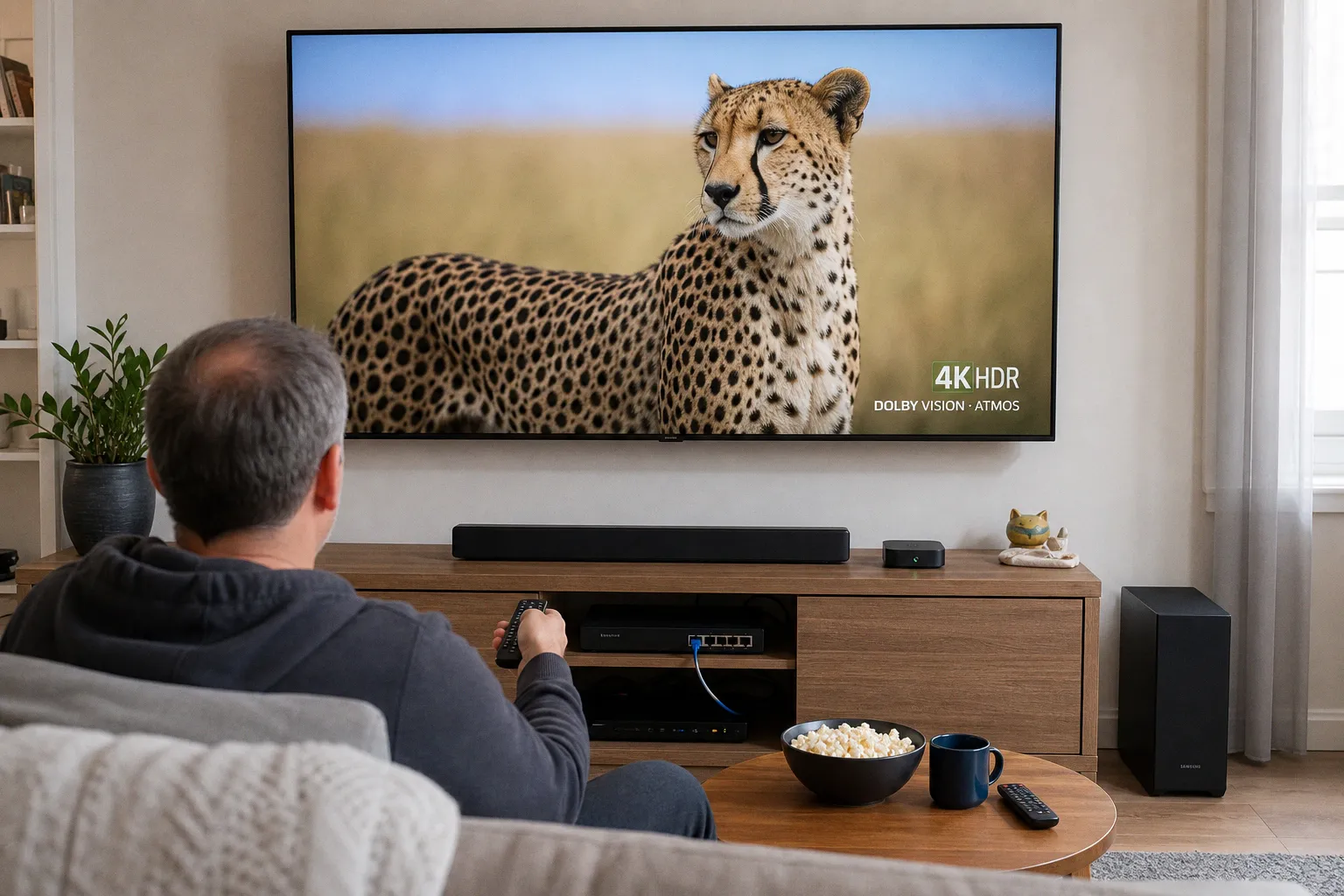 Streaming Devices & Smart TVsSelect a streaming player with Ethernet for 4K HDR
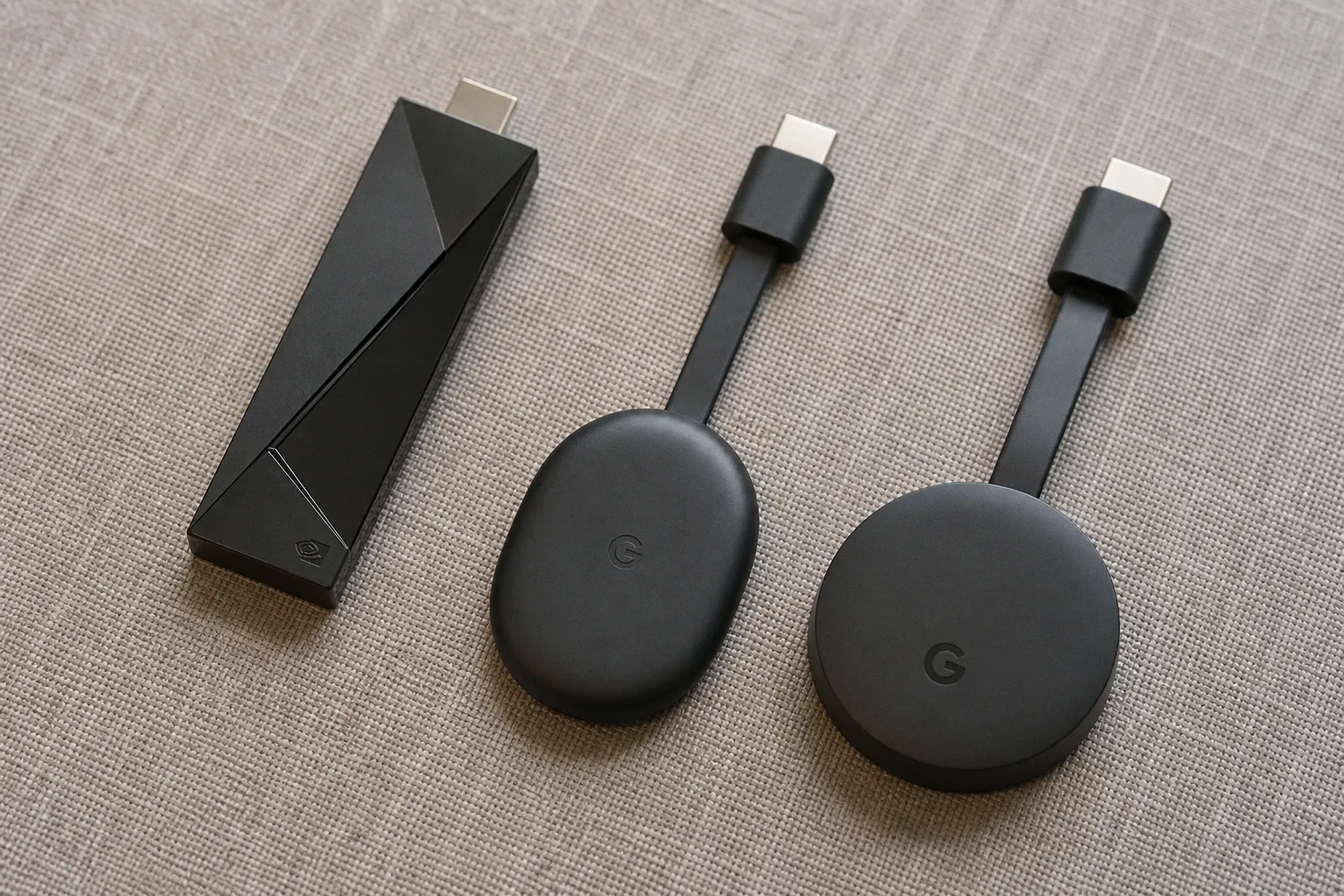 Streaming Devices & Smart TVsGoogle TV streaming device: which model should you buy?
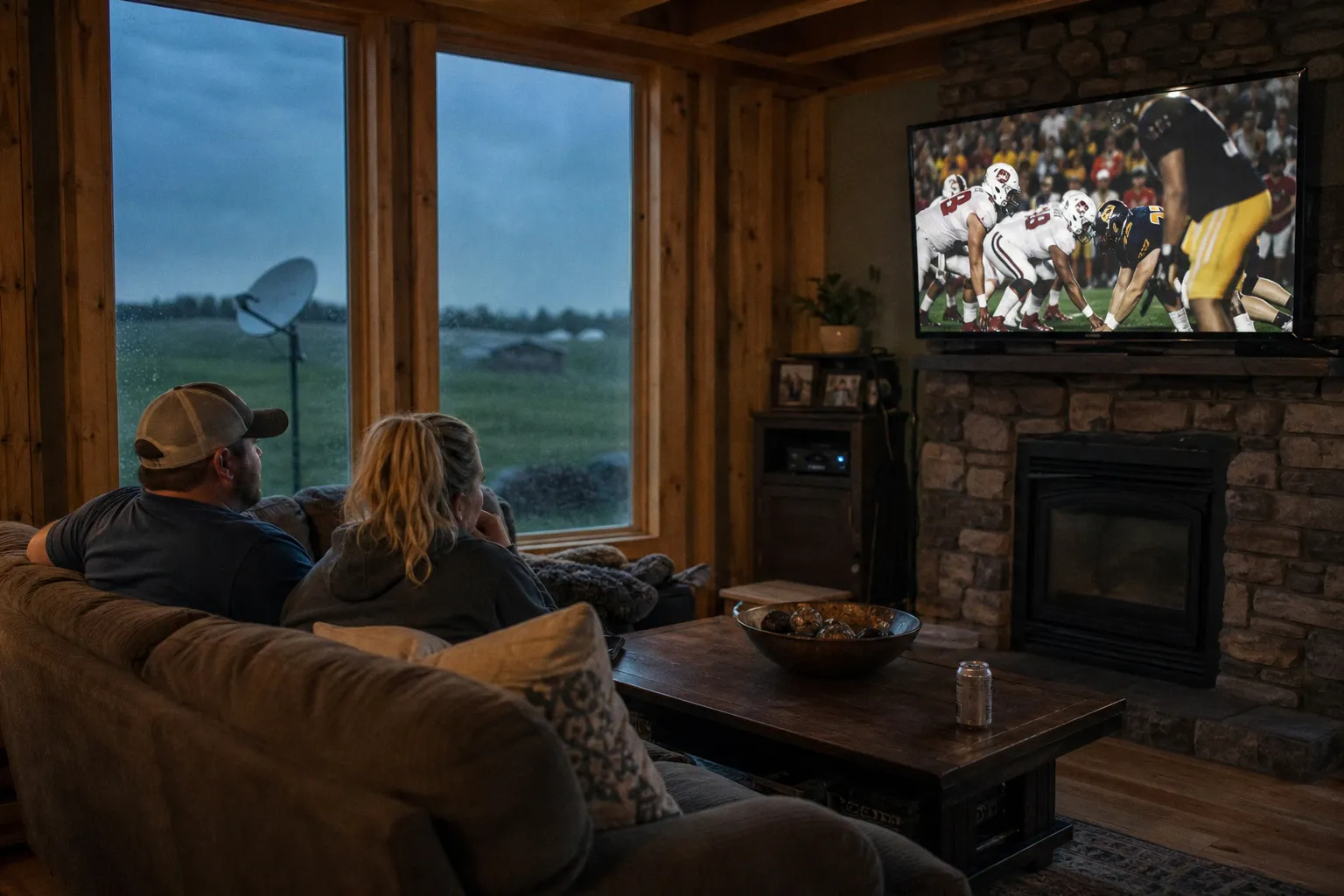 Cable & BroadcastingSelect the best satellite TV provider for rural sports
 Cable & BroadcastingATSC 3.0 Tuners: The Best NextGen TV Boxes for Any Budget