ATSC 3.0 Tuners: The Best NextGen TV Boxes for Any Budget
That last bit is the whole ballgame, and I'm going to walk you through why before we get to the boxes themselves.
Why Your Old Antenna Isn't the Problem (But Your Old Tuner Definitely Is)
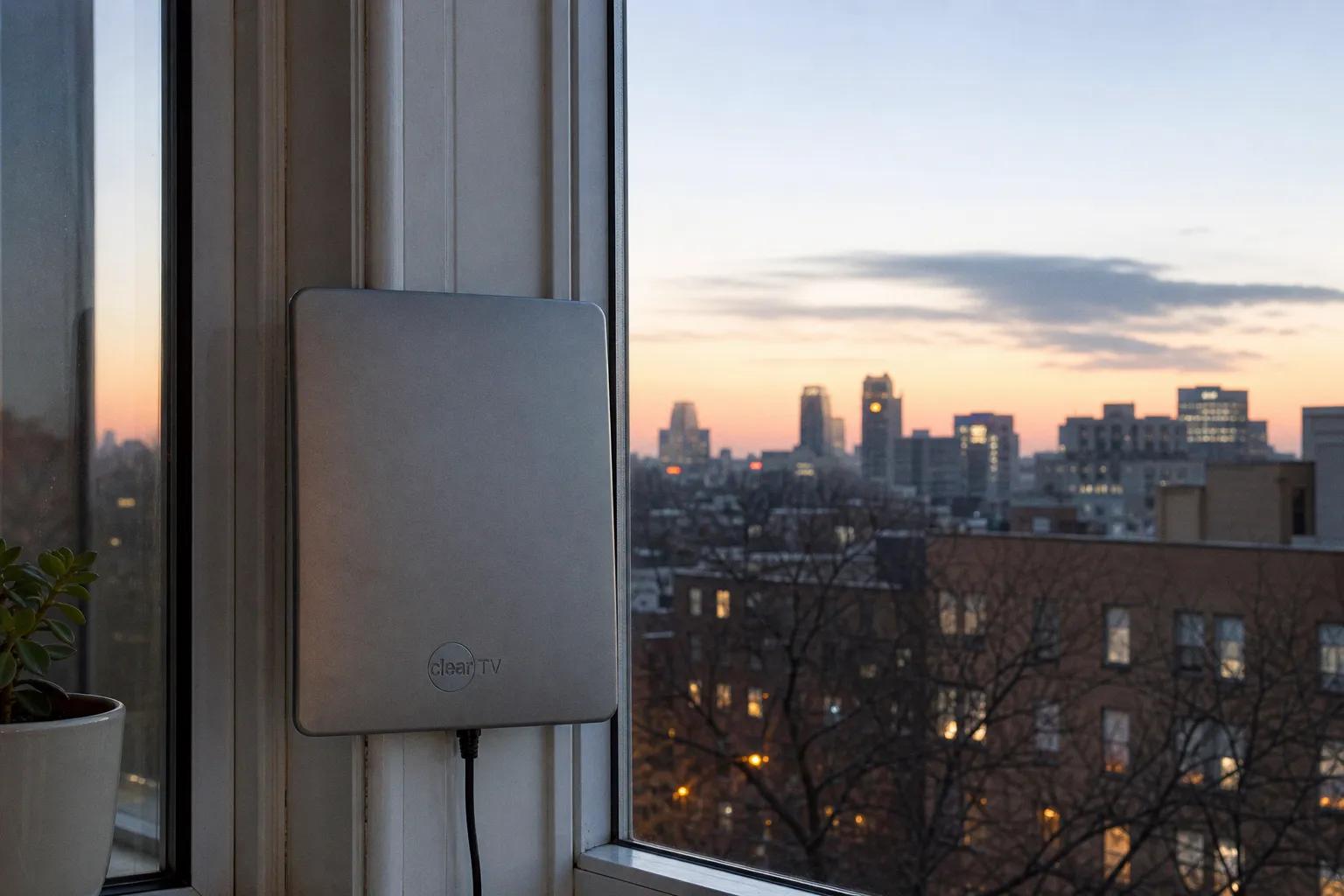
Here's something that trips people up right out of the gate. Your antenna is probably fine. The coaxial cable snaking into your wall is fine. ATSC 3.0 broadcasts travel over the exact same UHF and VHF frequencies as the old signals, so the rabbit ears on your roof or the flat panel stuck in your window can keep doing their job without complaint.
The bottleneck is the tuner — that little chipset that takes the radio-frequency signal your antenna captures and turns it into something your TV can display. ATSC 1.0 tuners literally cannot decode ATSC 3.0 transmissions. They're speaking entirely different languages, and no firmware update is going to teach the old dog new tricks. The FCC does require broadcasters to maintain a parallel ATSC 1.0 signal during the transition, so you won't lose your local channels overnight. But if you want the 4K HDR picture, the richer audio, and the interactive features that make NextGen TV feel like a genuine leap forward rather than a sideways shuffle, you're shopping for new gear.
You've got two paths. Buy a television with an ATSC 3.0 tuner baked into the motherboard — Sony, Samsung, Hisense, and LG have all shipped sets with NextGen TV support for several model years now — or grab an external tuner box that sits between your existing antenna and your current display. This guide is squarely about that second path, because plenty of us own perfectly good TVs we'd rather not replace just to chase an over-the-air spec bump.
The DRM Elephant in the Room
Let's talk about the thing nobody at the electronics store bothers to explain. Back in 2023, broadcasters began widely rolling out DRM encryption on their ATSC 3.0 channels. This wasn't a technical hiccup — it was a deliberate choice to protect content rights and enable features like datacasting, targeted advertising, and conditional access. The practical effect is that a sizable chunk of ATSC 3.0 programming is now locked behind encryption that only specific tuner hardware can decrypt.
Budget boxes that promised full NextGen TV compatibility when they launched two or three years ago? Many of them simply can't handle encrypted channels. They'll tune in unencrypted broadcasts just fine — local news, some sports, a handful of subchannels — but the moment you hit a DRM-protected station, you're staring at a black screen or an error message. That's why a model like the ZapperBox M1 has carved out such a specific reputation in this corner of the market. It's one of the few dedicated standalone tuners engineered to decrypt those protected channels properly.
If your tuner box wasn't built with DRM decryption in mind, you're not buying NextGen TV — you're buying a very expensive ATSC 1.0 receiver with extra steps.
This is the single most important criterion for any external ATSC 3.0 tuner purchase right now. Compatibility with current DRM standards is non-negotiable, and given that broadcasters have signaled ongoing updates to their encryption schemes, you'll want a manufacturer that actually pushes firmware updates rather than abandoning hardware the moment it ships. Compatibility with future DRM updates is a genuine unknown even for the brands with the best track record — it's a market in flux, and even the most diligent tuner makers are reacting to broadcaster decisions rather than driving them.
Network-Attached Tuners: The Streaming-Friendly Play
If your household treats every screen as a potential TV — phones, tablets, laptops, the kitchen-counter iPad during Saturday morning cartoons — a network-attached tuner is probably your best bet. SiliconDust's HDHomeRun line has been the dominant name in this category for years, and their HDHomeRun Connect 4K is the current ATSC 3.0 flagship.
The pitch is straightforward. You plug the box into your router and your antenna, and it streams ATSC 3.0 broadcasts to any compatible device on your home network. The SiliconDust app handles live TV, guide data, and DVR functionality if you add external storage. No box is tethered to a single television. No coax cable has to physically reach your display. As long as your Wi-Fi can handle the bandwidth — and 4K HDR streams aren't shy about consumption — you've essentially turned NextGen TV into just another option in your streaming app lineup.
The trade-off is that you're depending on SiliconDust's software ecosystem, which works beautifully with Plex, Jellyfin, and a handful of third-party DVR tools but has its quirks in less common configurations. If your tech comfort level runs toward "I can configure a Plex server but I don't love it," you'll be right at home. If the idea of opening a port on your router makes you break out in hives, the standalone receiver route is friendlier.
The HDHomeRun Connect 4K does support DRM-encrypted channels, which is part of why it remains the gold standard for network-attached NextGen TV reception. Cheaper competitors exist in this category, but most of them stumble on the same encryption wall as the budget standalone boxes.
Standalone Boxes: Plug-and-Play for the Home Theater Crowd
For viewers who want a single box that connects directly to one television, delivers the full ATSC 3.0 experience without routing through a home network, and ships with a remote you can actually hold in your hand — dedicated receivers are still very much alive.
The ZapperBox M1 is the standout here. It's a purpose-built ATSC 3.0 tuner with HDMI output, full DRM decryption support, and a user interface that prioritizes the remote-control experience over app-based navigation. The setup is gloriously simple: antenna in, HDMI out to your TV or AV receiver, power on, scan channels. Within minutes you're watching 4K broadcasts if your market has them, with Dolby AC-4 audio passed through to your sound system.
There's something deeply satisfying about a device that does one thing and does it well. The ZapperBox M1 doesn't try to be a streaming box, a DVR, or a smart home hub. It receives NextGen TV signals and sends them to your display. That focus shows in the build quality and the responsiveness of the interface, especially compared to the jack-of-all-trades streamers most of us have gotten used to.
The honest caveat: the ZapperBox M1 isn't cheap, and the market for standalone ATSC 3.0 tuners is thin enough that "competition" feels generous. SiliconDust's networking approach gives you more flexibility at a comparable price point, but if you want the simplicity of a traditional set-top box and the peace of mind that comes from DRM support done right, this is the box I'd put in my own living room.
How the Two Approaches Stack Up
Here's a side-by-side look at where these two paths diverge on the things that actually matter when you're deciding.
| Parameter | HDHomeRun Connect 4K | ZapperBox M1 |
|---|---|---|
| Connection to display | Network streaming (Ethernet) | Direct HDMI |
| Simultaneous screens | Multiple devices, one per tuner | One television |
| DRM-encrypted channels | Supported | Supported |
| Remote control | App-based, smartphone or tablet | Dedicated physical remote included |
| DVR functionality | Via external USB storage | Not the primary focus |
| Best fit | Multi-device households, Plex/Jellyfin users | Dedicated home theater setups |
| Tech comfort required | Moderate to high | Low, plug-and-play |
Neither approach is objectively better — they're solving different problems. The right answer depends entirely on how you actually watch TV.
Where ATSC 3.0 Actually Works (And Where It Doesn't)
No tuner review is complete without the reality check, and this is where I have to slow down the enthusiasm a bit. The FCC authorized the transition to ATSC 3.0 as a voluntary rollout, which is a polite way of saying that broadcasters get to choose when, where, and whether to upgrade their transmission equipment. ATSC 3.0 coverage exists in a large majority of US television markets at this point, but that figure gets fuzzy fast — some stations simulcast in both standards, others have gone fully NextGen in specific markets, and some networks haven't rolled out ATSC 3.0 at all in cities where you'd reasonably expect it.
What this means for you in practical terms: before you spend a single dollar on a new tuner, verify whether ATSC 3.0 broadcasts are actually available in your area. The ATSC maintains a market-by-market rollout reference, and most manufacturer websites include coverage checkers. Buying a ZapperBox M1 or an HDHomeRun Connect 4K for a market still running ATSC 1.0 is a very expensive way to receive the same channels your five-year-old TV already picks up.
Also worth understanding: even in markets with active ATSC 3.0 service, not every channel on a given broadcaster will necessarily be NextGen. A network affiliate might offer its primary channel in ATSC 3.0 while leaving subchannels in the older standard. The FCC's simulcast requirement keeps you from losing access entirely, but it also means the "upgrade" can feel uneven depending on where you live and which stations you watch.
The Verdict: What I'd Actually Buy
Here's where I land after digging through this corner of the market. If your household has multiple screens and at least one person who enjoys tinkering with media server software, the SiliconDust HDHomeRun Connect 4K is the most versatile ATSC 3.0 tuner you can buy right now. It handles DRM properly, streams to every device on your network, and integrates with the DVR tools you're probably already using. It's the kind of hardware that rewards a little setup effort with years of flexibility.
If you want the simplicity of a traditional receiver — one box, one TV, one remote, no fussing with network configurations — the ZapperBox M1 delivers the cleanest standalone NextGen TV experience currently available. It's not cheap, and you're paying partly for the privilege of dealing with a manufacturer that takes DRM seriously enough to keep its firmware current.
Both of these recommendations come with the same asterisk. Verify ATSC 3.0 availability in your market before pulling the trigger — a premium tuner receiving only ATSC 1.0 broadcasts is a waste of money, no matter how good the hardware is. And keep an eye on firmware update policies, because this is a market in flux and the tuner you buy today needs to keep pace with encryption changes tomorrow.
The over-the-air television landscape is genuinely shifting under our feet, and ATSC 3.0 is the future of broadcast. Just make sure the future has actually arrived on your local tower before you upgrade your gear — and once it has, pick the box that matches how you actually watch, not the one with the longest spec sheet.
FAQ
Do I need to buy a new antenna for ATSC 3.0?
Why can't my current TV receive NextGen TV signals?
What happens if my tuner does not support DRM encryption?
How does a network-attached tuner work?
Are all channels in my area available in ATSC 3.0?
 Cable & BroadcastingSelect the best satellite TV provider for rural sports
 Cord-Cutting & SubscriptionsDowngrade to Hulu with Ads to Save $10 a Month
 Instagram looks to take on streaming services with longer-form, episodic and live formats for its TV app
 Roku Adds 7 New Live Channels to Roku TVs & Roku Players