The most popular smart TVs for streaming, gaming and live sports
One smart-TV buying trap keeps getting worse: people shop the panel, then live with the platform.
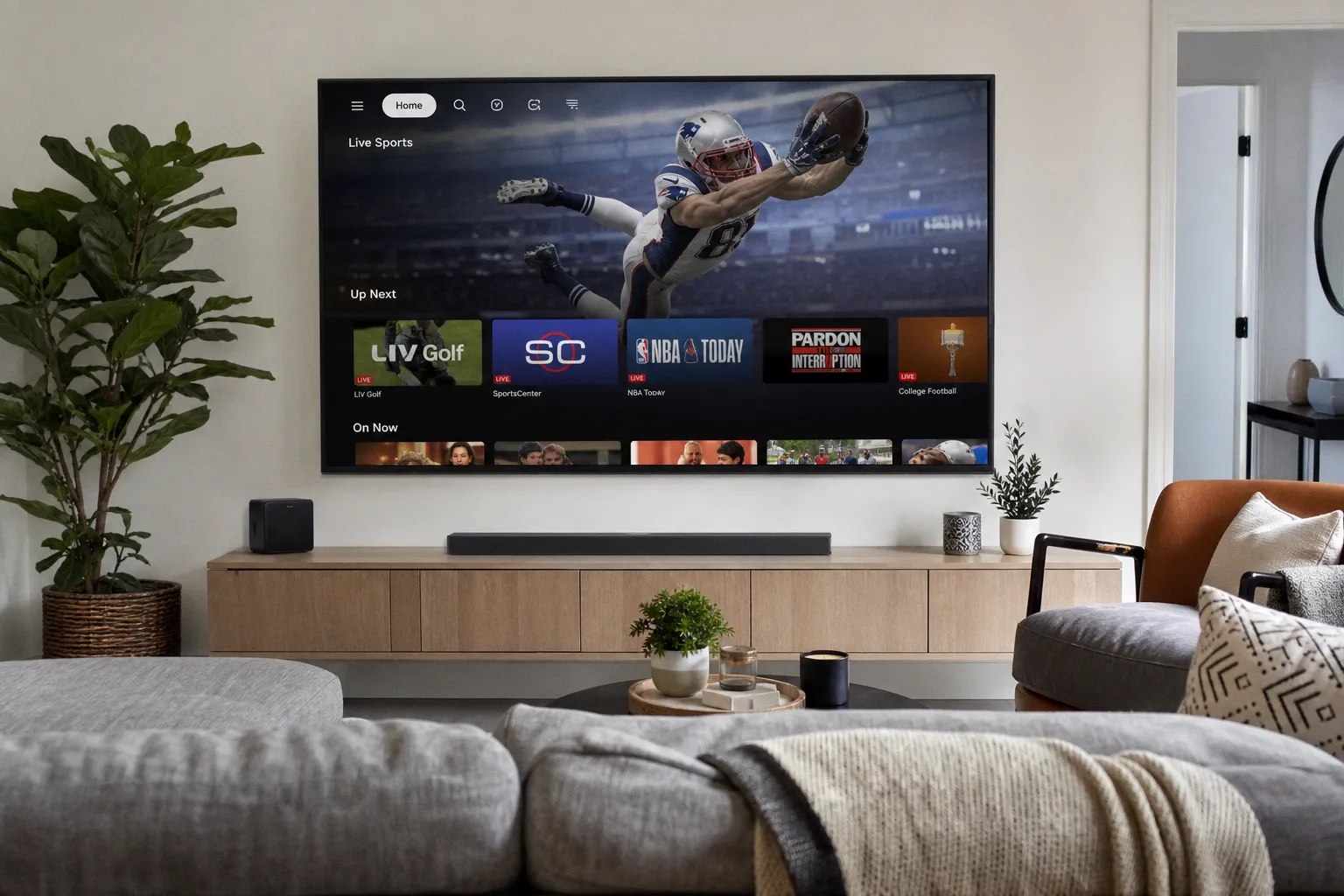
The TV platform now matters as much as the picture
The useful takeaway from the smart-TV popularity chatter is not “buy what everyone else buys.” Popularity can mean good app coverage. It can also mean heavy promotion, default placement, and a remote full of buttons you did not ask for.
For cord-cutters, I would judge a smart TV on three practical questions before worrying about the badge on the box:
- Can it run the services you actually use without making you fight the interface?
- Does the home screen push you toward paid rentals, promoted apps, or account sign-ins before your own watchlist?
- Will it handle streaming, gaming, and live sports as separate use cases instead of pretending they are the same job?
Streaming is about app stability and fast navigation. Gaming is about input feel and switching cleanly between sources. Live sports is about getting to the right service quickly when the event is already starting. A TV that looks fine in a store can still be a pain if the UI drags or the app row buries what you pay for.
My blunt rule: if the built-in platform is slow on day one, do not assume it will become pleasant later. Budget for an external streaming device or skip that TV.
Disney+, Apple TV, and the app-rank shuffle change the math
Innovation & Tech Today reports that the streaming wars are tightening, with Disney+ gaining ground and Apple TV breaking into the top tier. Separately, NewsBytes and IMDb report that Disney+ may launch a free streaming tier, with IMDb framing it as a move to compete with YouTube and Tubi.
That is not just industry noise. It changes what your smart TV has to do well.
If Disney+ expands with a free tier, the TV home screen becomes more valuable real estate. Free streaming usually means the service wants attention, repeat use, and easy discovery. I am not saying Disney+ has launched it; the reports say it may. But if you are buying a TV now, assume the app grid will keep getting more crowded, not cleaner.
The practical move is simple: do not buy a TV because one subscription app looks convenient today. Buy for flexibility. You want a setup where Disney+, Apple TV, YouTube, Tubi, live-TV apps, and whatever comes next can all be reached without the operating system turning into a billboard.
That is where ecosystem lock-in bites. If a TV platform favors its own store, its own recommendations, or its own sponsored rows too aggressively, your monthly savings from cord-cutting get paid back in wasted time and bad defaults.
My buy-or-skip test for streaming, gaming, and sports
Here is the checklist I would use before buying one of the “popular” smart TVs being discussed:
Buy if:
- the interface feels fast enough when moving between apps;
- the remote gets you to core controls without hunting;
- your main streaming services are easy to find;
- switching from an app to a game console or live source is quick;
- you are comfortable using the built-in platform long term.
Skip or budget for a streaming stick if:
- the home screen is mostly promotions;
- app loading feels slow in the store demo;
- the TV pushes account setup before basic use;
- you rely on several services and the layout makes switching messy;
- you care about live sports and cannot tolerate delays when opening apps.
The smart-TV market is popular because it sells convenience. The streaming market is tightening because every service wants more of your time, and possibly more ad-supported viewing too. Those two trends meet on your home screen.
My verdict: buy the best screen you can afford, but do not trust the smart-TV software as a bonus. Treat it as a core feature. If the platform is clean and fast, use it. If it is sluggish or too promotional, ignore the “smart” part and control the TV with a separate streaming device. That is still the cheapest way to keep the screen you like without letting the software pick your subscriptions for you.