How to Access 4K Streaming on Max: A Premium Tier Breakdown
According to IGN’s HBO Max 4K guide, UHD is still locked behind the service’s Premium tier at $22.99 per month or $229.99 per year.
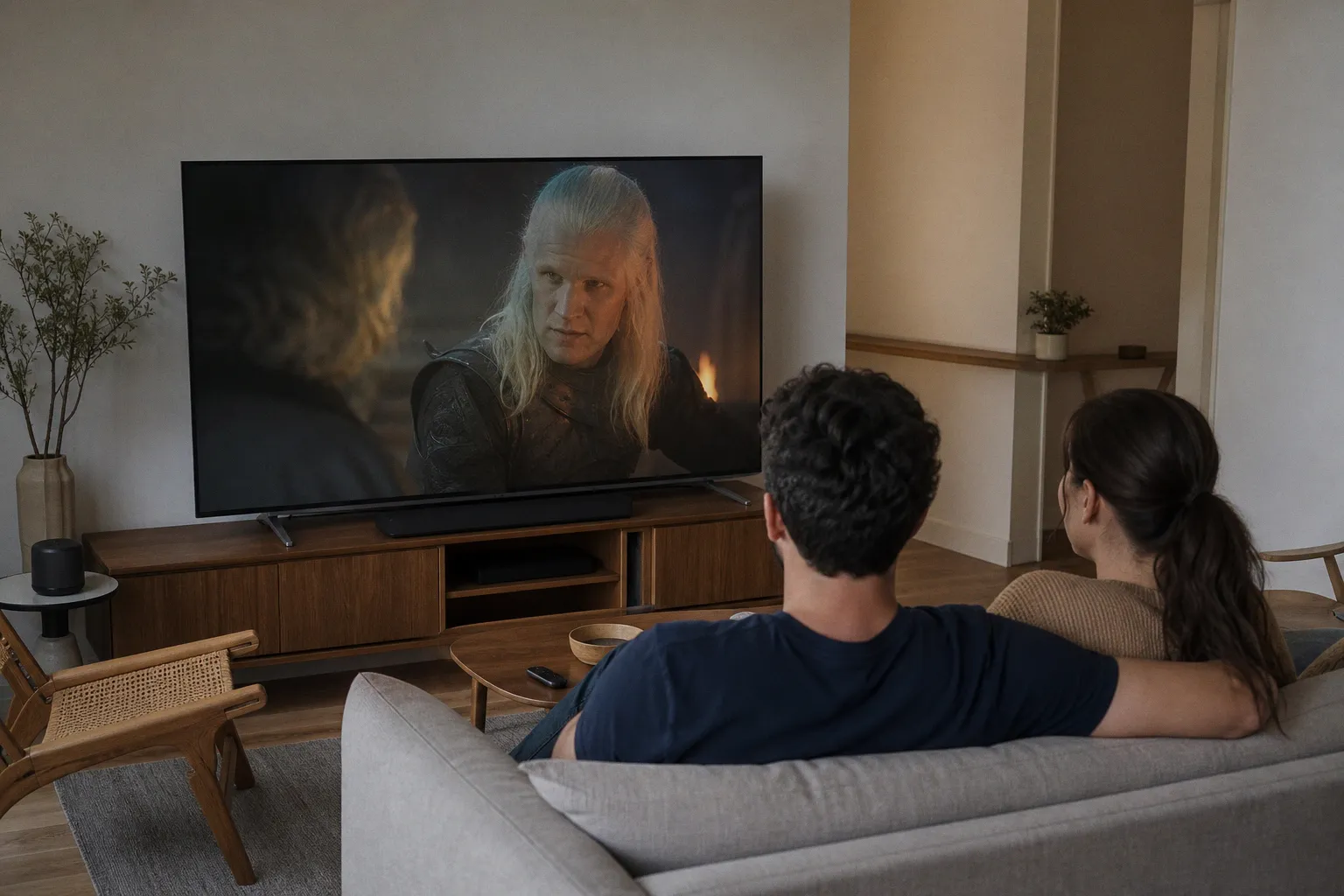
That is the number that matters: paying for HBO Max does not automatically buy you 4K, even through a bundle that includes HBO Max, Disney+, and Hulu. For viewers chasing the best version of House of the Dragon, The Last of Us, Warner Bros. movies, DC titles, or Harry Potter, the subscription is only the first gate.
The 4K bill is more than the plan price
Premium includes 4K streaming, plus Dolby Vision and Dolby Atmos on supported titles. But the usual streaming fine print applies: each part of the chain has to cooperate.
Check these before upgrading:
- A 4K TV, monitor, or projector is mandatory.
- Your HBO Max app device must support 4K playback.
- IGN recommends at least 25 Mbps internet, with 50 Mbps or more preferable to reduce buffering and quality drops.
- If you use external hardware, the HDMI path matters: devices and cables need HDMI 2.0 and HDCP 2.2 support.
Miss one link, and HBO Max defaults to the highest quality your setup can handle. In plain English: Premium can become a $22.99-a-month way to receive the same non-4K stream you already had.
Don’t assume every title gets the upgrade
HBO Max has a substantial 4K catalog, but the app does not offer a direct UHD-only search. You need to open the page for the movie or show you want and inspect its listed formats. That same area can indicate whether Dolby Vision or Dolby Atmos is available.
This is where marketing and reality split. A title may carry a 4K UHD badge, but the actual stream still depends on:
- your Premium subscription;
- compatible display and playback device;
- enough stable bandwidth;
- the HDMI connection, where applicable.
Bundles are an especially easy trap. Disney+ may offer UHD across its plans for supported content, but HBO Max does not extend that benefit to lower HBO Max tiers simply because the service arrived inside a package. Treat HBO Max 4K as a separate paid feature, not a bundle perk.
Buy or skip: Premium is a hardware-dependent upgrade
My blunt verdict: buy Premium for 4K only if your current setup is already ready for it and you regularly watch HBO Max’s visually demanding catalog. A compatible 4K display, a supported streaming device, and stable internet are non-negotiable. Dolby Vision and Atmos are useful extras, but only when the title and gear support them.
Skip the upgrade if your TV is 1080p, your connection struggles, or you mostly watch titles where extra resolution will not change the experience. You will not fix UI lag, weak Wi‑Fi, or an aging HDMI chain by paying for a higher tier.
And if a Premium account still refuses to deliver 4K after you have checked the plan, device, speed, and cables, the issue is no longer theoretical. Start with HBO Max’s own troubleshooting guidance rather than buying another streamer on impulse.